Create Matching Funeral Designs in Ghana: A Family Guide
By FuneralPress Product Guides · 4 min read · Checked 09/10/2026
The quick answer
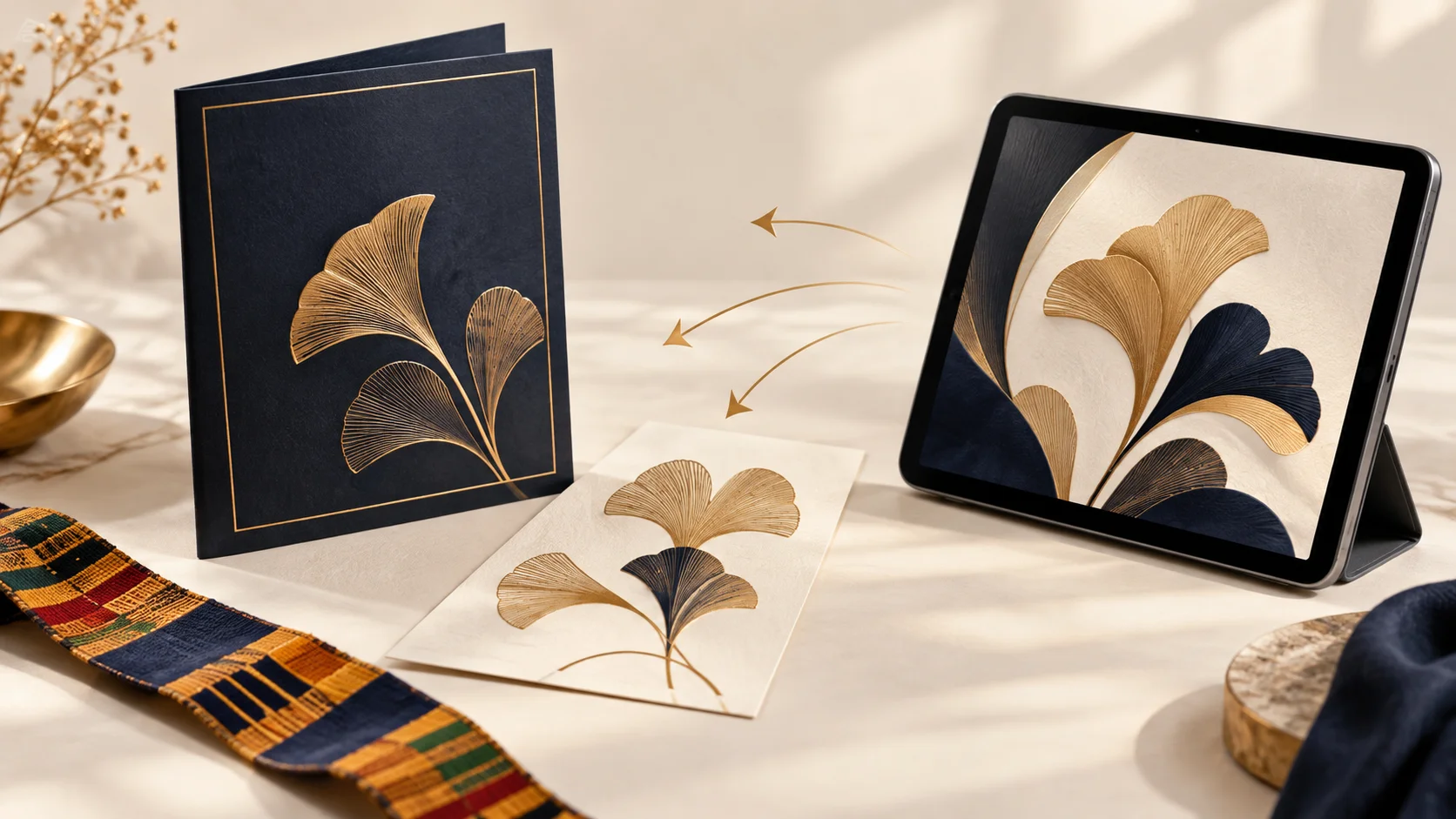
FuneralPress Family Collection turns one family brief and portrait into seven matching, editable funeral drafts. Choose a style, enter the shared details, create the drafts and finish each in its editor. Drafting is free; paid downloads use design credits.
A family can approve the name and funeral venue once, yet still find a different spelling on the poster or an old time on the invitation. The Family Collection gives you one starting point for those shared details. It is especially useful when one person is organising the materials while relatives provide photographs, programme details and tributes.
What does the family collection include?
- Funeral brochure for the biography, tributes and service details.
- Funeral poster for the announcement.
- Programme booklet for the order of service.
- Invitation for the people you are inviting.
- Banner for the venue.
- Thank-you card for acknowledgements.
- One-week notice where the family is holding an observation.
These are starting drafts, not seven completed documents. Your family still decides the wording, order of service, photographs and customs that belong in each material. A matching design does not mean every item must contain the same amount of information.
Before you begin: gather one approved brief
Agree the full name, title if used, birth and death dates, funeral date and time, venue, burial location and family signature. Have the chosen portrait ready. If you are preparing a one-week notice, confirm its separate date, time and venue. Ask one relative to approve spelling and dates before creating the drafts.
How to create the seven matching drafts
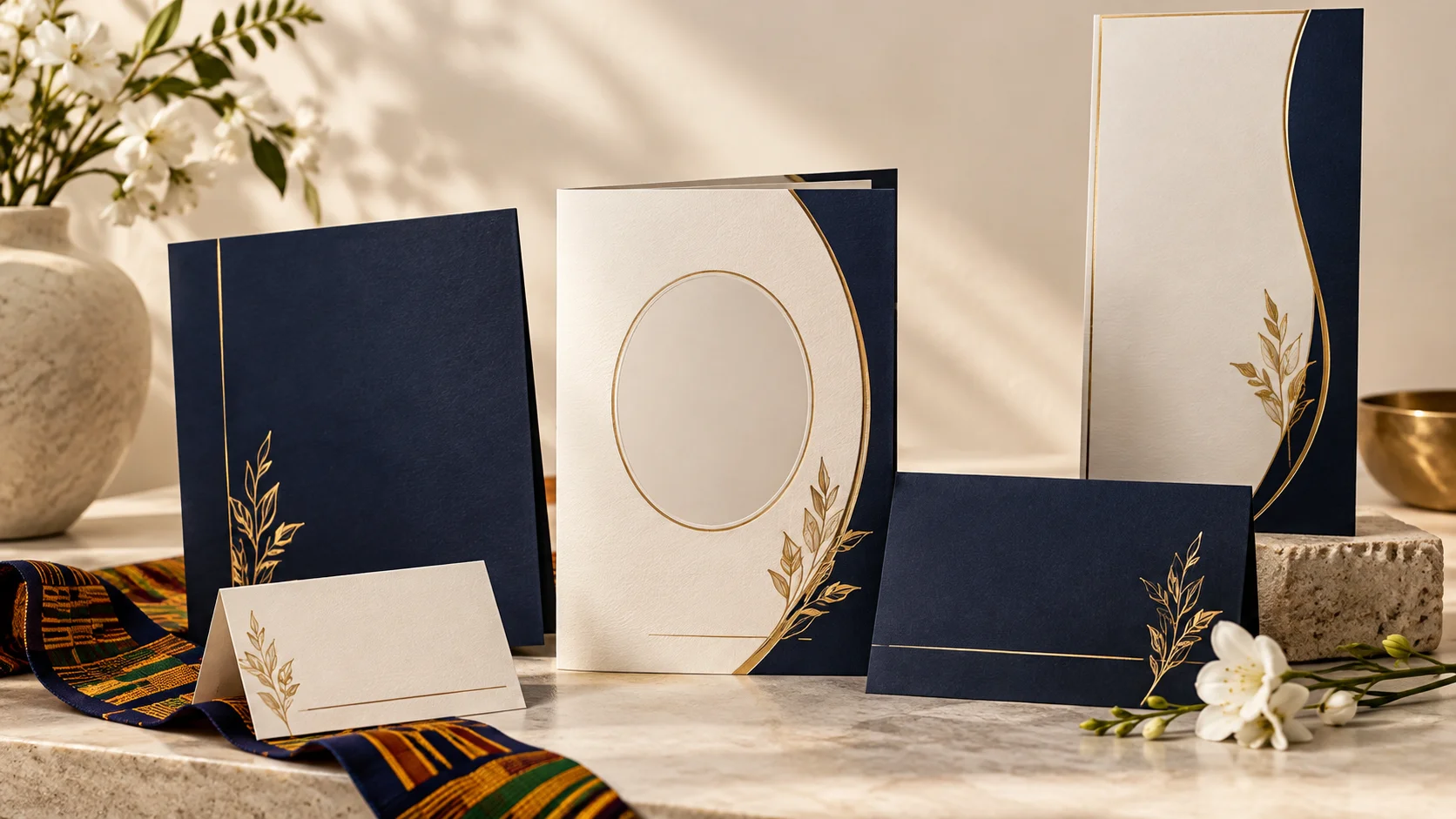
- Open Family Collection and choose Heritage, Serenity or Royal. Heritage uses Kente and warm gold; Serenity uses ivory and burgundy; Royal uses navy and gold.
- Enter the shared family brief. Add the portrait and check that the face is clear at the size you intend to use.
- Select “Review my collection”. Read the missing-detail messages and correct required information.
- Select “Create matching drafts”. Open each linked design to complete its own content.
- Add the biography and reviewed tributes to the brochure, and the agreed programme to the booklet. Shorten text appropriately for invitations and notices.
- Check every editor proof before selecting a download package. Keep your finished files somewhere you can find them again.
What happens when the funeral details change?
Change the shared brief, review it and use “Apply to linked drafts”. Then reopen each affected design and inspect the result. Shared details and theme settings can update; do not assume a change rewrites every paragraph you have already edited. Recheck the invitation, poster and brochure independently before printing.
For example, if the family changes the venue, update the shared venue field first. Search the longer biography, acknowledgements and programme for any venue mentioned in free-form text. That simple check prevents an old address surviving outside the shared fields.
What is free, and when do you pay?
Creating and editing the drafts is free. Current family packages are GHS 35 for one design, GHS 95 for three and GHS 195 for eight. Seven generated drafts do not automatically unlock seven downloads. You choose the designs you need; printing and memorial upgrades are separate.
Compare design credits and download formats
A calmer way to organise the family’s work
Nominate one project owner to maintain the brief. Give relatives a contribution link for their tributes rather than sharing the owner’s sign-in. Keep one approved programme and one approved portrait, then make a final spelling-and-date review across the collection. This approach gives each person a clear job without asking everyone to learn the editor.
Common questions
Do I have to download all seven designs?
No. The collection creates seven editable drafts. You can finish and unlock only the designs you need.
Can I change a design after downloading it?
Yes. You can revise an already unlocked design and download it again without spending another design credit. A different design needs its own unlock.
Does creating a collection save it to another device?
Local drafts belong to that browser. To resume a family project elsewhere, sign in, save the project to cloud and open it under the same account on the other device.