Funeral Design Downloads: PDF, PNG, JPG and Package Prices
By FuneralPress Product Guides · 4 min read · Checked 09/10/2026
The quick answer
Use PDF for the print shop and PNG or JPG for an image you want to share. FuneralPress currently offers GHS 35 for one design, GHS 95 for three or GHS 195 for eight. An unlocked design can be revised and downloaded again without another credit.
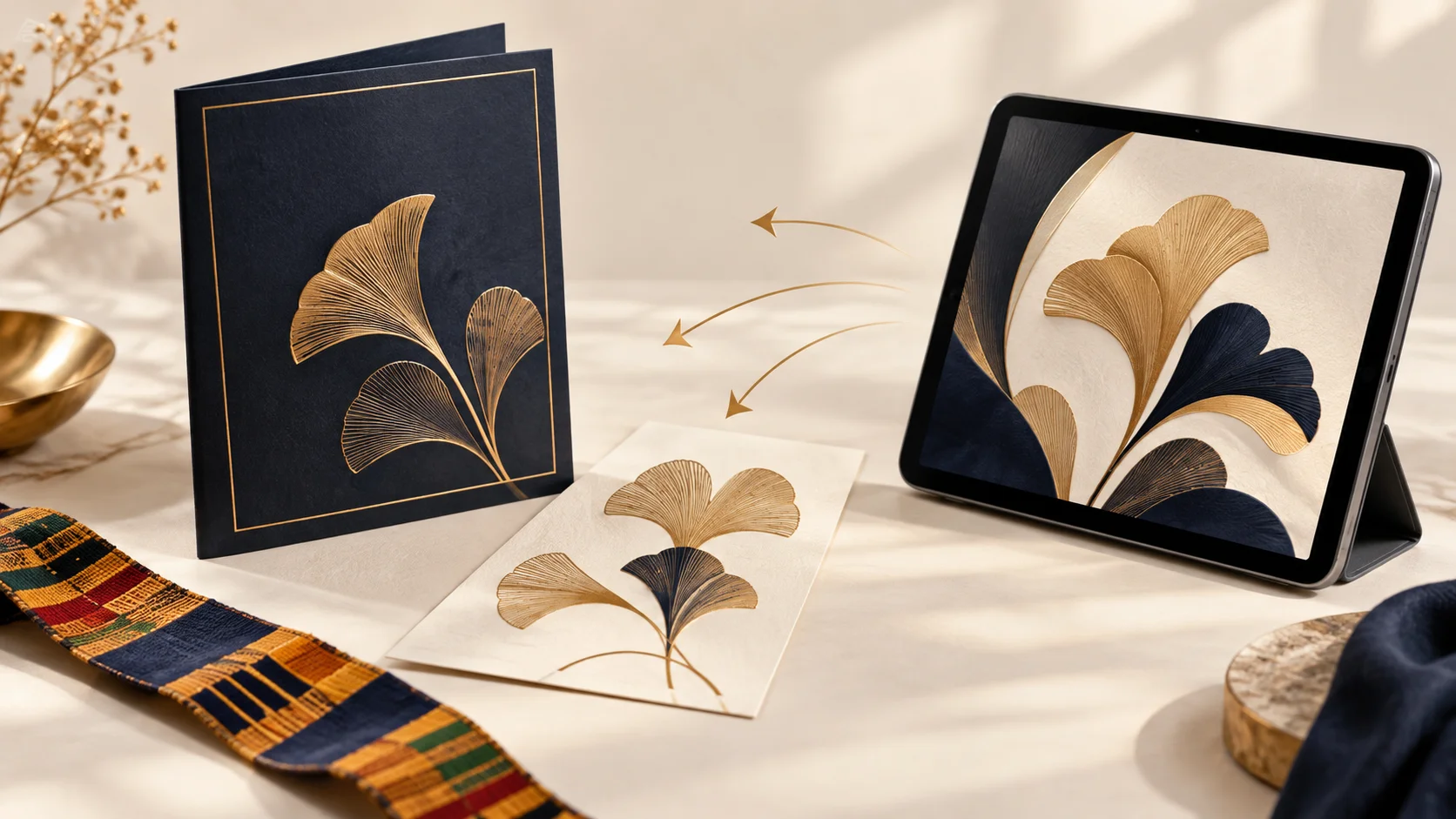
The right download depends on where the design is going. A printer needs a file that preserves the page layout. A relative opening an announcement on WhatsApp may prefer an image. FuneralPress offers PDF, PNG and JPG so you can choose the format after completing the same design.
Which file format should you choose?
| Format | Useful for | What to check |
|---|---|---|
| Brochures, programme booklets and files for a print shop | Page size, page order, spelling and the printer’s requirements | |
| PNG | A clean announcement image or design graphic | Image dimensions and the file size your recipient can open |
| JPG | A photograph-based poster or invitation shared as an image | Visible text clarity after sharing and any compression |
For a multi-page design, an image export downloads as a ZIP containing the pages. Extract the ZIP before choosing individual images to share. If you want people to read a full brochure in order, sending the PDF is often simpler than sending many separate pictures.
Current family design packages
| Package | Price | Design unlocks |
|---|---|---|
| Single Design | GHS 35 | 1 |
| Family Trio | GHS 95 | 3 |
| Family Collection | GHS 195 | 8 |
A design credit unlocks a particular design, not a single click on the download button. For example, an unlocked poster can be downloaded as PDF for printing and JPG for sharing. You can correct its time and download that same design again. A separate invitation or a new design needs a separate unlock.
The collection creates seven drafts, while the Family Collection package provides eight design unlocks. Creating those drafts does not spend or grant the package’s credits. Printing, memorial upgrades and assisted services have separate charges. Existing unlimited access is honoured, but unlimited is not the current family offer for new purchases.
How to download a finished design
- Open the saved design and complete its content.
- Inspect the proof, especially names, dates, locations, portrait crop and text near page edges.
- Select “Review & download” and complete the print-review confirmation where shown.
- If the design is locked, sign in and follow checkout or use an available credit to unlock that design.
- Choose PDF, PNG or JPG in “Download format” and select the matching download button.
- Open the downloaded file before sending it to relatives or your printer. Extract image ZIP files if the design has several pages.
Why does the free proof have a watermark?
The free editor proof is a reduced-resolution image for checking the design. Its watermark is part of the preview. It is not the final file to send to a printer. Use the download controls after unlocking the design to receive the finished export.
If a download does not finish
Keep the draft open, check the internet connection and retry the export. A busy renderer or failed connection is not an instruction to pay again. If you are already entitled to the design, the export retry does not spend another credit. If checkout status is unclear, recheck the same purchase rather than starting a second payment.
Before ordering prints, ask the printer for the required page size, paper, folding, margins and quantities. A PDF preserves the layout, but it does not automatically fulfil every print shop’s production specification. Let the printer inspect the file and agree the physical job separately.
Common questions
Does GHS 35 buy unlimited different designs?
No. Single Design provides one design unlock. Repeat downloads and revisions of that same unlocked design are included; a different design needs another unlock.
Should I send a screenshot to the printer?
Use the downloaded PDF rather than a screenshot of the watermarked proof. Confirm the printer’s size and production requirements before printing.
Can I pay with Mobile Money?
Family checkout supports the Ghana payment options presented by Paystack, including Mobile Money where offered. Recurring business subscriptions use card auto-renewal; institutional prepaid packs offer MoMo or card.