Collect Funeral Tributes Through WhatsApp Without the Copying
By FuneralPress Product Guides · 4 min read · Checked 09/10/2026
The quick answer
Create a tribute contribution link inside your saved FuneralPress family project and share it through WhatsApp. Relatives submit without an account. The project owner reviews and approves each contribution before adding approved tributes to the brochure.
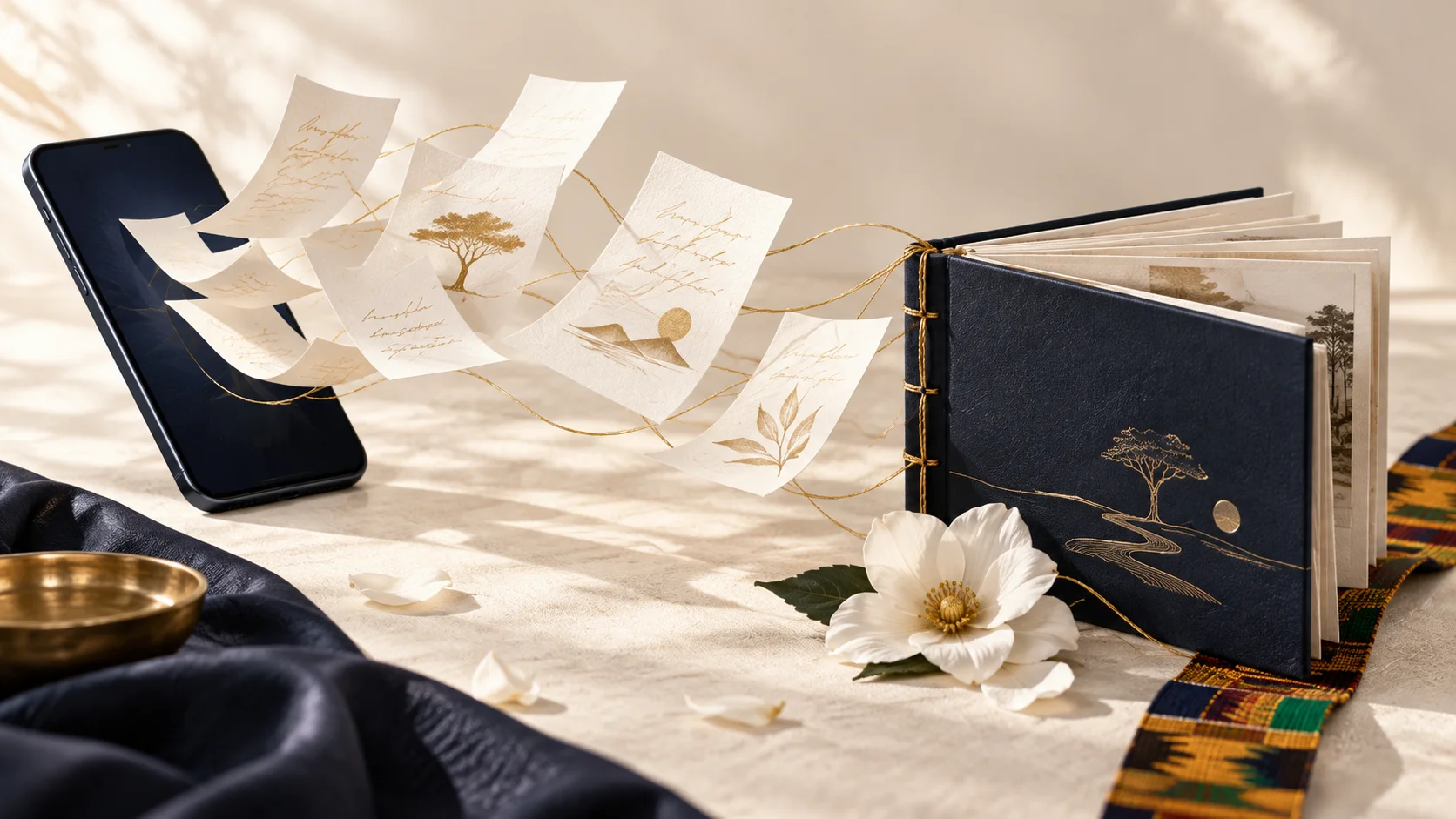
Tributes can arrive as voice notes, long messages and photographs of handwritten pages. The organiser then has to find the latest wording, check the writer’s name and copy everything into the brochure. A contribution link gives written tributes one destination while keeping the final editorial decision with the family.
What relatives need to send
Ask each writer for their name, relationship to the deceased and the tribute text. Agree a family deadline and a preferred length before sending the link. The form supports up to 5,000 characters of tribute text, but that is a limit, not a recommended length for every printed contribution.
A useful prompt is to include one memory, one quality they admired and a closing message. Encourage contributors to use their own voice. The family can edit for clarity, but should check substantial changes with the writer rather than replacing a personal memory with generic wording.
How the organiser creates and shares the link
- Sign in, create a Family Collection and save the project to cloud.
- In “Collect family tributes”, select “Create tribute link”.
- Select “Copy contribution link”. Paste it into the intended WhatsApp chat with the deadline and length guidance.
- Ask relatives to open the link and submit their written tribute. They do not need a FuneralPress account.
- Return to the project and select “Refresh tribute inbox” to load new submissions.
A WhatsApp message you can adapt
Family message template: “We are collecting written tributes for the funeral brochure. Please use the link below to send your name, relationship and tribute by [family deadline]. Please aim for [agreed length]. We will review the wording with the family before including it in the programme. [Paste contribution link]”
Send the link only to people you intend to invite. Anyone who receives a usable contribution link can submit through it. It grants contribution access, not access to the owner’s account or permission to edit the entire brochure.
Review contributions before they reach the brochure
- Select “Review tribute” beside a submission.
- Check the contributor’s name, relationship, spelling and wording. Edit the fields where needed.
- Select “Approve reviewed tribute” for text the family wants to include, or reject the submission.
- Select “Add approved tributes to brochure”. Only approved contributions are imported.
- Open the brochure, review the tribute pages and save the project to cloud to update its saved copy.
Importing approved submissions preserves existing brochure writing and avoids adding the same approved contribution twice. Even so, read the finished pages: a long tribute may need shortening, a heading may need correction, or the family may want the tributes in a particular order.
When contributions are complete
Use “Close contribution link” when the family is no longer accepting submissions. If a link has been shared too widely, create a replacement; the previous link closes and saved submissions are retained. Tell invited relatives which link is current so they do not keep using the old one.
Collecting contributions is free. It does not unlock the paid brochure download. Complete the family’s final review, then use the account’s design credits when you are ready to download.
Common questions
Does a submitted tribute become public automatically?
No. The project owner reviews submissions. Approved tributes are added to the brochure through a separate import action, not automatically published as an online memorial.
Do relatives need to sign in or pay?
Relatives can contribute through the link without an account. Contributions are free; paid design downloads remain separate.
Can a contributor change the funeral date or other designs?
The contribution link collects tribute submissions. It does not give the contributor general editing access to the family project.